Christmas
Plan your Christmas budget with no surprises in January
Decide up front what you'll spend on each person and see how much is left after every purchase.
Free, with no ads.
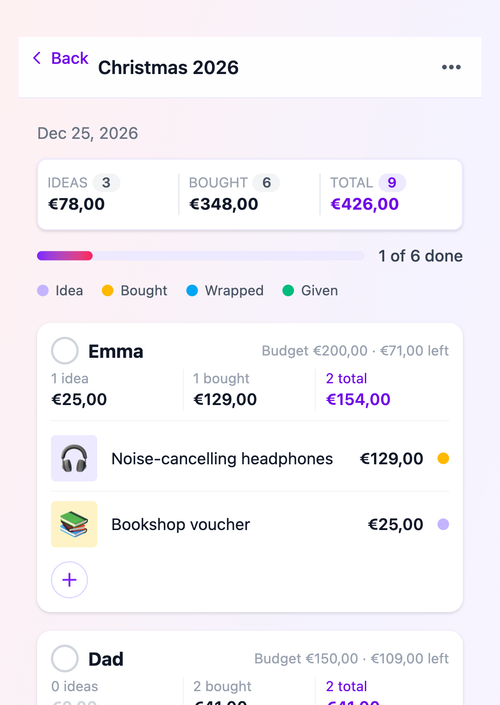
How much should you spend on Christmas gifts?
There's no right or wrong answer. It depends on your family, your friends and what you want to spend this year. What does help: choosing the amount before you start shopping, instead of finding out in January what it came to.
Planning a Christmas gift budget starts with one total. Split it across the people you're buying for: more for your partner and kids, a little less for colleagues and neighbours. You'll see straight away whether the plan adds up, and where you can shift things around.
The tricky part comes next: keeping track. Gifts get bought over weeks, in different shops. In GiftStack you give your Christmas event a default budget per person and adjust it where needed, for example more for your partner. Every purchase counts towards it, and you see per person what's left.
That way your Christmas budget isn't a guess on the back of an envelope, but a plan you carry with you all month, on your phone and in your browser.
Worked example: a family Christmas budget
Start with a total and split it across the people you're buying for. You'll see straight away whether your plan fits.
| Who | Budget |
|---|---|
| Jake (8) | €60 |
| Emma (11) | €60 |
| Partner | €75 |
| Grandparents | €40 |
| Neighbours and teacher | €25 |
| Total | €260 |
Amounts are an example, not advice. Pick what suits your wallet.
A budget for each person
Choose a default amount for everyone and give anyone who gets more or less their own. Per person you see what's left, so you don't spend the whole budget on the first gift.
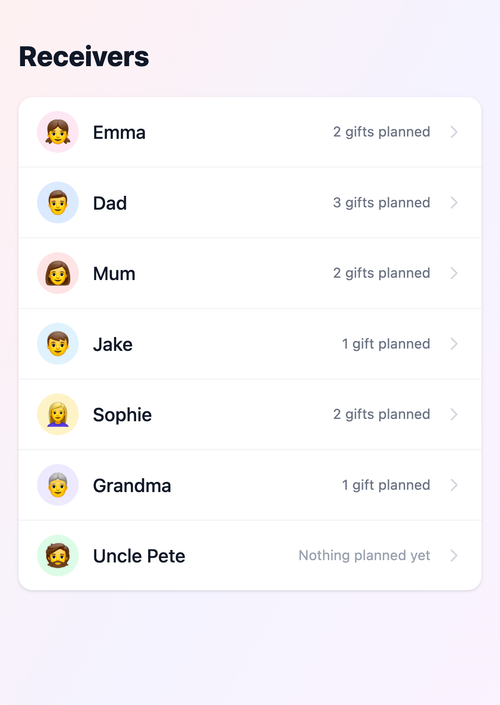
The total at a glance
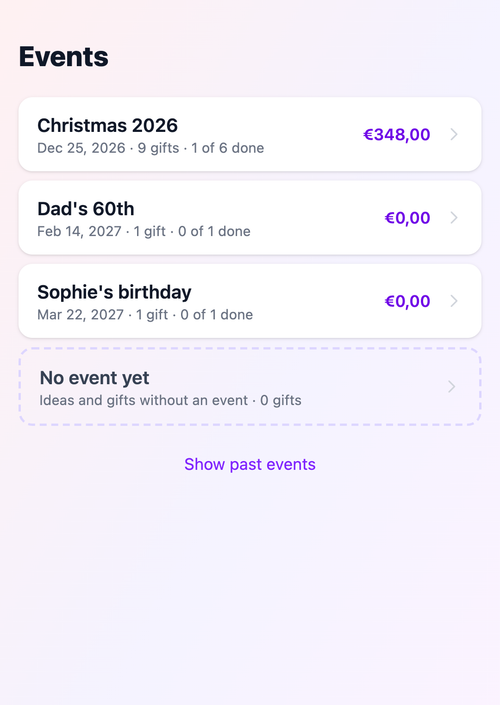
See per event what you've already bought. Ideas only count once you buy them, so you always see what you've really spent and what may still come.
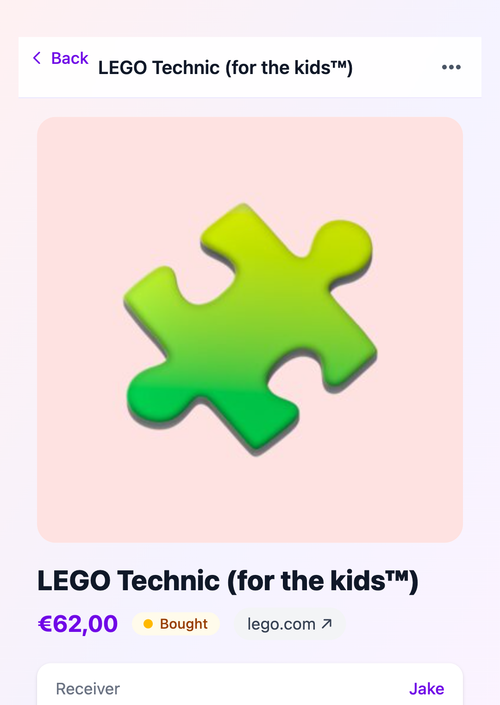
No retyping prices
Share a link from an online shop with GiftStack. The price is filled in when the shop allows it and counts towards your budget as soon as you mark the gift bought.
Frequently asked questions
How do I set a Christmas budget?
Pick one total you're comfortable with. Then split it across the people you're buying for and check it adds up. Adjust until it does. The worked example above is a good place to start.
Can I set a budget per person?
Yes. Set a default budget per person on the event and change it for anyone who gets more or less. GiftStack shows per person what's left.
Do ideas count towards my budget?
No. The budget only counts gifts you've bought, wrapped or given. Ideas are shown separately, so you know what may still come.
Is GiftStack free?
Yes. GiftStack is free in your browser and as an Android app, with no ads.
Can I plan birthdays the same way?
Yes. Every event has its own budgets. Create a Christmas event and a birthday event, each with its own amount per person.
Also useful
Keep your Christmas budget on track
Set your budget and add your first gift in under a minute.
Start for freePrefer the app?
 (opens in a new window)